
Real-time tickets that cut confusion and keep kitchen service flowing
BOXS Kitchen Display System
2023
⏱ 3 min

Disclaimer: Due to confidentiality agreements and this being a commercial product, certain details, features, and designs have been omitted or modified in this case study. What is shown here represents only a high-level overview of the public-facing aspects of the project.
Overview
Designed a reliable, affordable Kitchen Display System (KDS) that digitally organizes and displays incoming orders for restaurant kitchen staff, replacing traditional paper tickets and streamlining operations.
Challenge
As the UI/UX designer, I tackled the complex challenge of creating an interface for chaotic kitchen environments. The system needed to be instantly comprehensible amid noise and pressure, while handling the complexity of Hong Kong restaurants with hundreds of dishes and thousands of customization options. Critical requirements included minimizing interactions, providing clear visual status indicators, and communicating detailed modifications on space-constrained screens.
Process
- Analyzed comprehensive on-site research and feedback collected by field teams
- Synthesized insights about environmental constraints and user needs from multiple restaurant settings
- Developed a gesture-based interaction system requiring minimal screen contact
- Created a visual language using color, shape, and position to convey critical information without text
- Refined designs based on stakeholder feedback and kitchen staff input

Uncovering Unexpected Use Cases: From Assumptions to Real-World Solutions
While designing BOXS KDS for restaurants across Asia, direct research in real kitchens revealed needs we hadn’t anticipated—and reshaped the product.
We began with secondary research and internal requirements focused on order display, customization, and completion. But once the beta reached kitchens, staff surfaced crucial gaps:
- Pin priority orders for urgent dishes
- Jump to the newest tickets fast
- Flag ingredient shortages in real time to owners and diners
- Handle nuanced workflows for set meals, pre-made dishes (e.g., dim sum), and station-specific needs
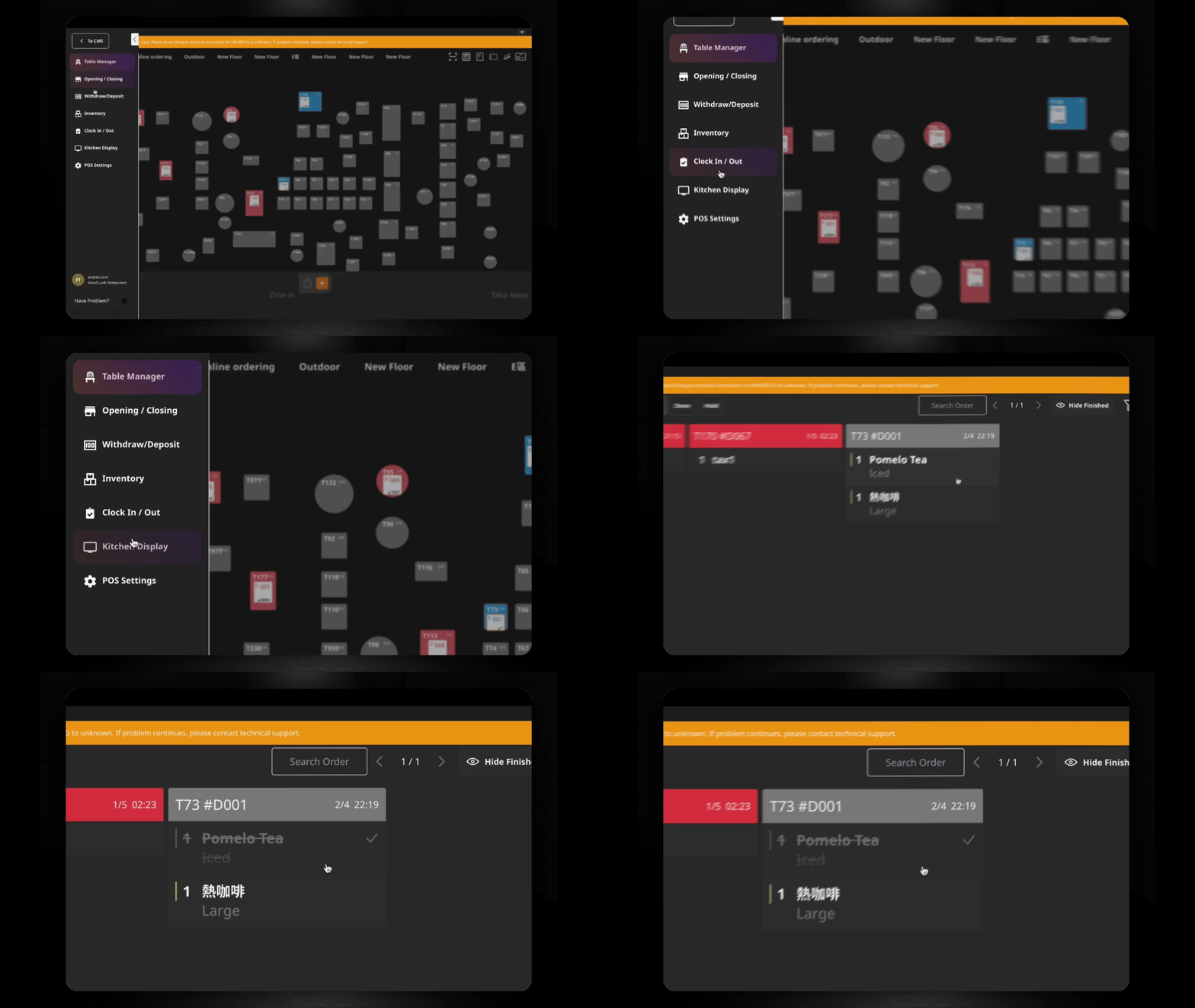
These insights came from observation and conversations with kitchen teams. In response, we:
- Mapped end-to-end workflows by synthesizing field and kitchen feedback
- Iterated quickly with features like one-tap priority pinning, dynamic order views, inventory alerts, and station-specific dashboards
- Redesigned the UI with gesture-based interactions and color-coded indicators to cut errors and cognitive load
- Ran regular demos with stakeholders and kitchen staff to ensure solutions fit their routines

Solution
Created a highly intuitive KDS optimized for high-pressure environments:
- One-click order completion with incoming order sound confirmation
- Color-coded time indicators showing orders approaching critical wait times
- Inventory alerts integrated directly into order cards
- Customization shorthand system using icons and minimal text for modifications
- Station-specific views with consistent global status indicators
- Emergency mode for high-volume periods with simplified interface

Impact
At BOXS, I designed, shipped, and iterated on scalable SaaS and e-commerce UI/UX solutions, serving over 1,100 B2B restaurant and retail clients. Our work contributed to 2× sales growth and 50% reduction in operational costs for our clients.


Example of Content Management System (CMS) Design for BOXS.
